
Reports shows how conversations went over a period and what the AI resolved on its own. It is available to owners, administrators and managers.
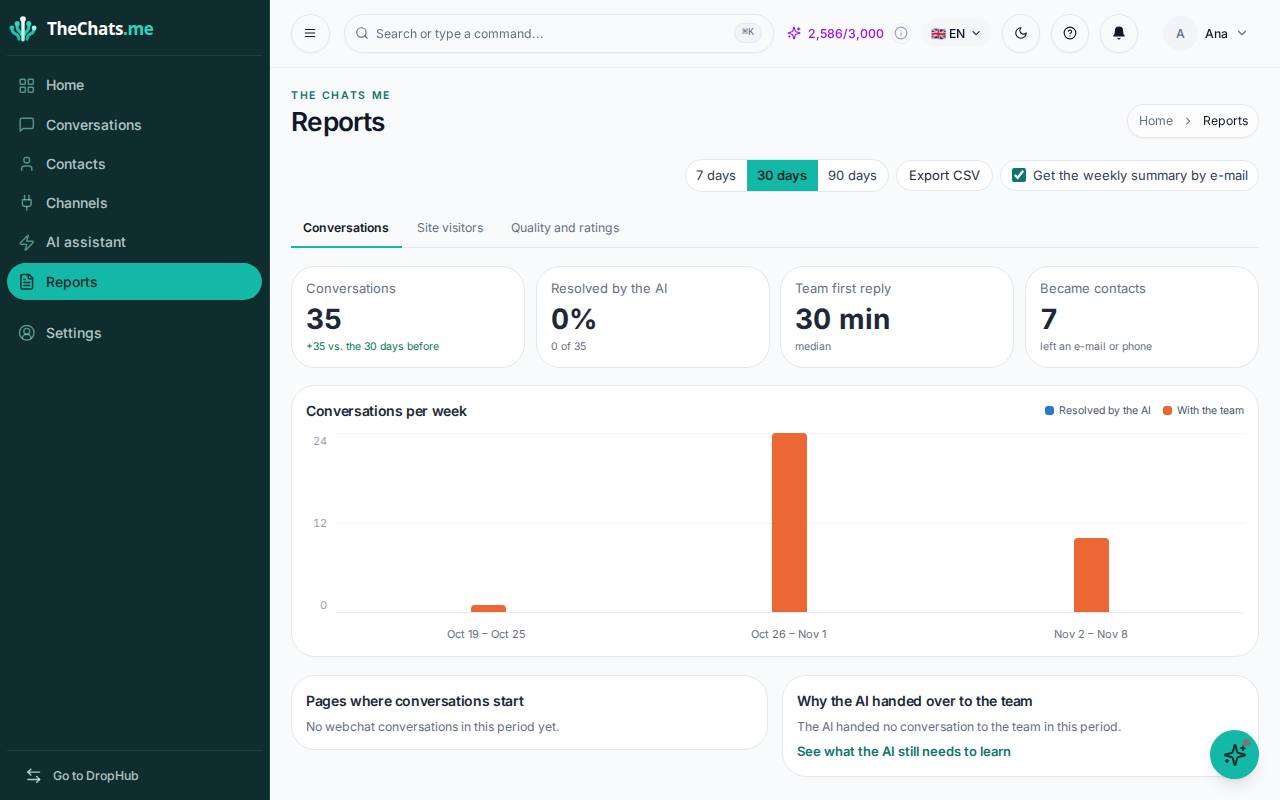
Period and export
- Choose 7, 30 or 90 days.
- Export CSV takes the numbers to a spreadsheet.
- Tick Get the weekly summary by e-mail to receive the numbers every week.
The numbers for the period
- Conversations: how many arrived, compared with the days before.
- Resolved by the AI: how many the AI handled on its own, without handing over to your team.
- Team first reply: how long your team takes to reply for the first time (median).
- Became contacts: how many visitors left an e-mail or phone number.
The Conversations per week chart separates the ones the AI resolved from the ones that stayed with your team.
Why the AI handed over to your team
The reasons the AI handed conversations to your team: the customer asked for a person, the AI did not have the information, it was a sale for your team to close, an agent took over, or it reached the AI reply limit. Click See what the AI still needs to learn and teach those answers in the AI Assistant: the AI will resolve more on its own.
The tabs
- Conversations: the summary of the period.
- Site visitors: where website chat visitors come from and what they do.
- Quality and ratings: the ratings customers gave at the end of conversations.
- Advanced analytics: more detailed reports, for those who want to dig in.
To see today’s numbers, without choosing a period, use Home: it shows what is waiting, what the AI is handling and the week at a glance.