
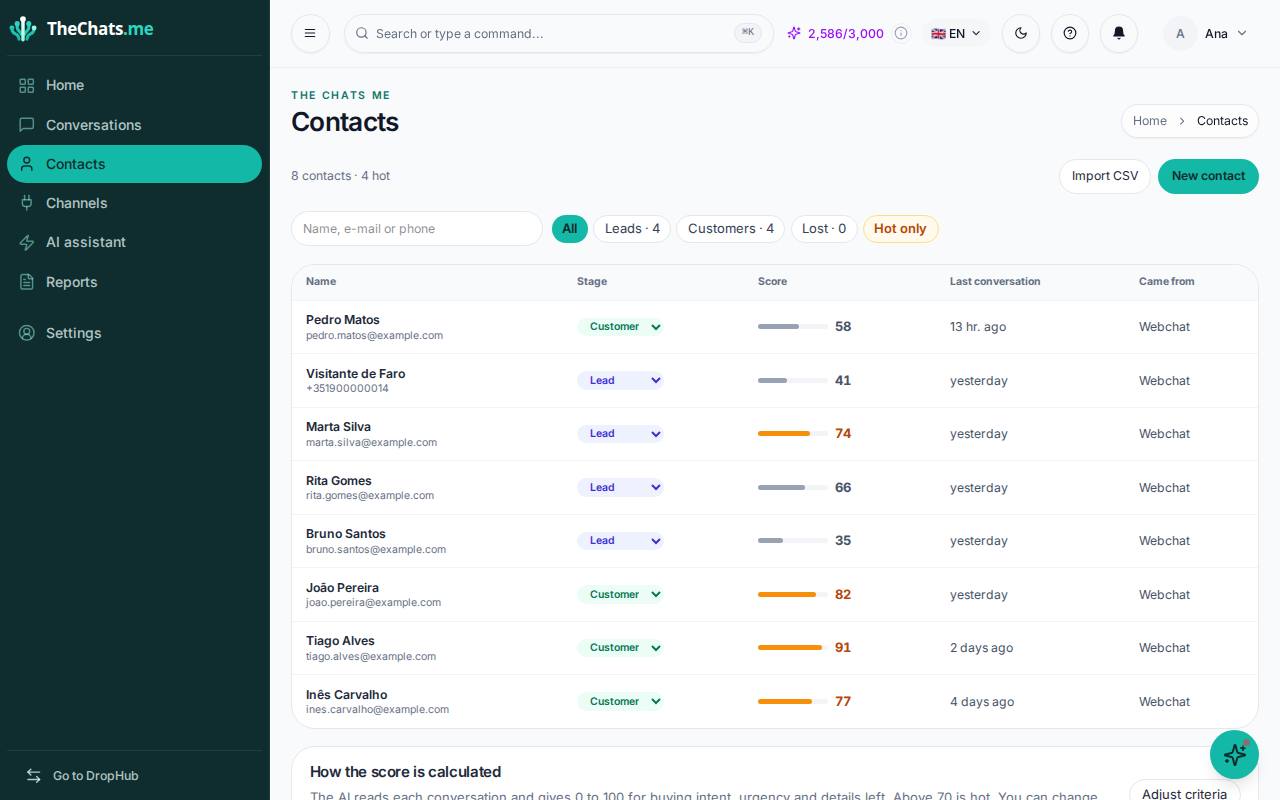
Contacts lists everyone who has talked to you on any channel, with their stage and score. Contacts are created automatically when someone writes to you for the first time.
Search and filter
- Search by name, e-mail or phone.
- Filter by stage: Leads, Customers or Lost.
- Hot only shows the people with the most intent to buy.
Click a name to see that contact’s conversations. You can change the stage right there, in the Stage column.
The score
The AI gives each contact a score from 0 to 100 based on buying intent, urgency and the details they left. Above 70 is hot: worth answering first.
Create a contact
Click New contact and fill in the details. Use it for customers who talked to you outside your connected channels.
Import a CSV file
- Click Import CSV.
- Choose a file with the columns name, phone and e-mail.
- Confirm the import.
A contact that already exists is updated by phone number instead of being duplicated.
Export the list from your old tool (spreadsheet, CRM or store) as a CSV and import it here to keep the history in one place.